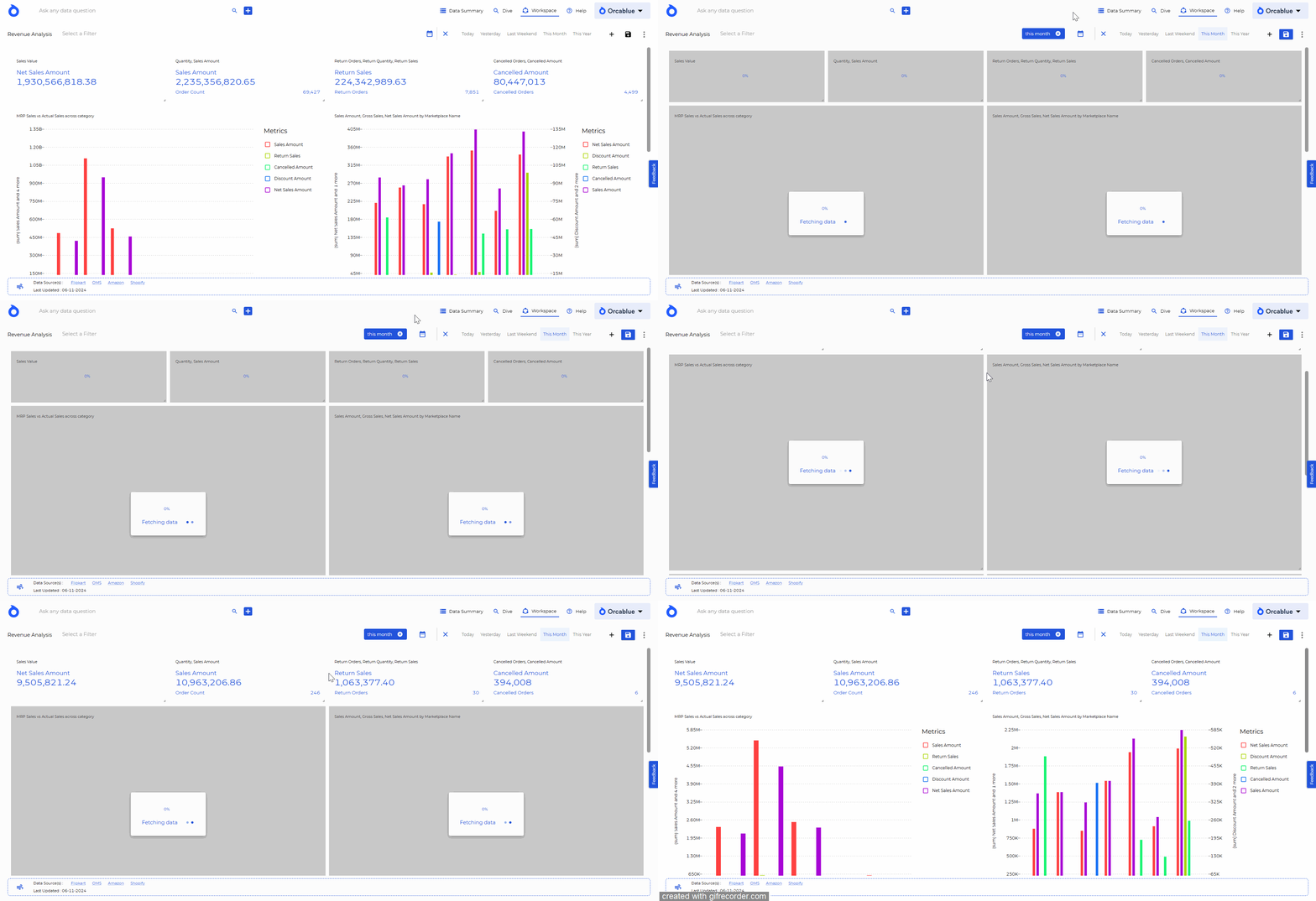
Dashboard Filters
Dashboard-Level Filters: Apply filters across all charts within a dashboard to focus on specific slices of data or time periods.
Applying Filters:
- Directly apply a filter by selecting an entity item or keyword to refresh the entire dashboard.
- Click on an entity or column name to pin it as a quick filter badge, enabling easy re-filtering.
info
Filters are temporary unless saved. To make a filter persistent, save the dashboard after setting it up. Once saved, changes apply to all users with dashboard access.
Time Period Filters
Use preset time filters (e.g., "Today," "This Year") or the calendar picker to quickly adjust the dashboard to a specific period.